Find games in a video
Paste a link or share from another app. We transcribe the clip, pull out titles, and match them to real games.
On Android
See a game on TikTok, Instagram, or YouTube, tap Share → Gamedrop, and it's on your list. No typing, and no account needed.
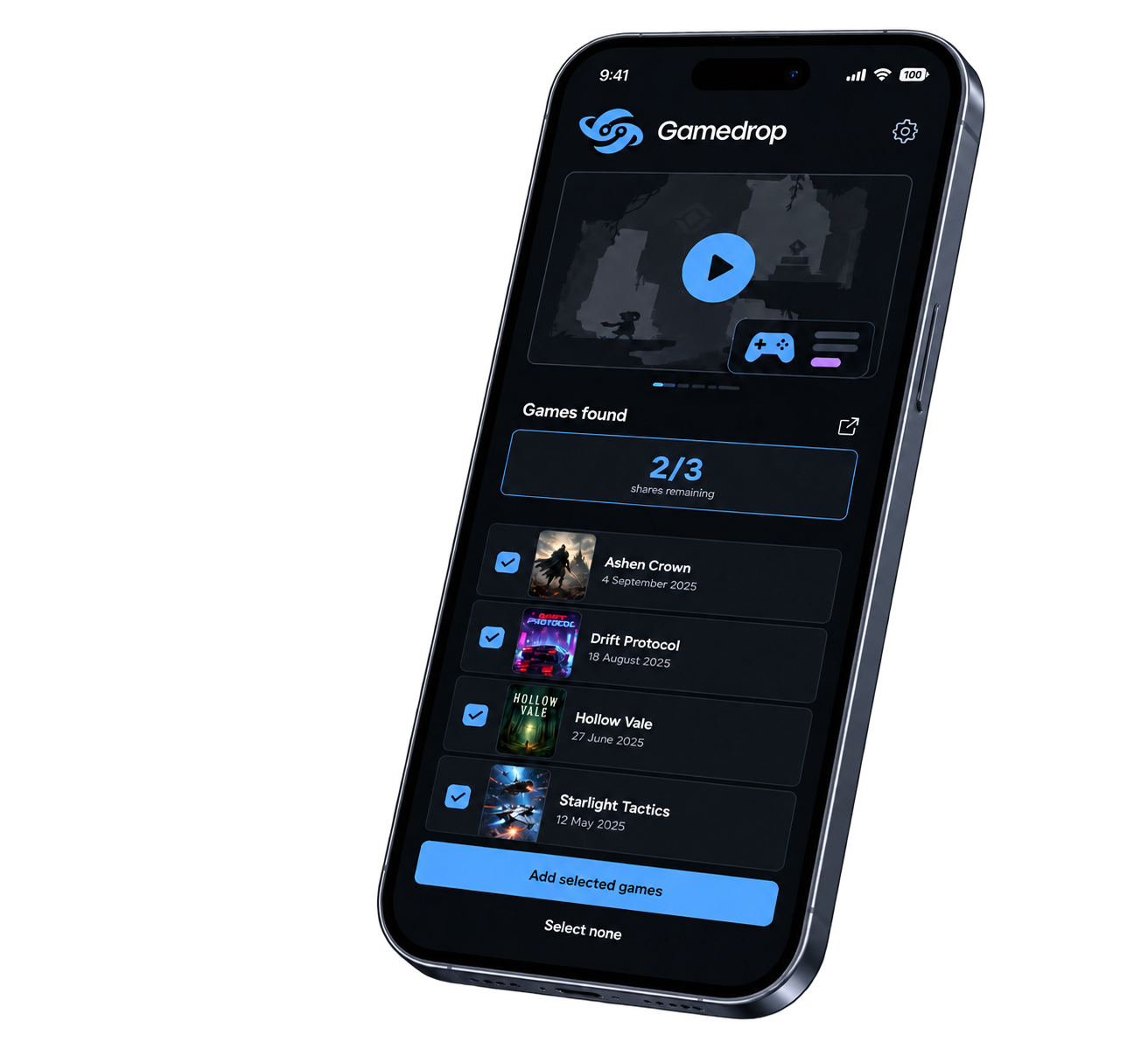
Paste a link or share from another app. We transcribe the clip, pull out titles, and match them to real games.
Search the catalog and mark games as backlog or played. Unsigned libraries stay on your phone until you create an account.
Create an account to keep your library, profile, and friends across devices. A few video analyses are free; unlimited shares are a subscription.
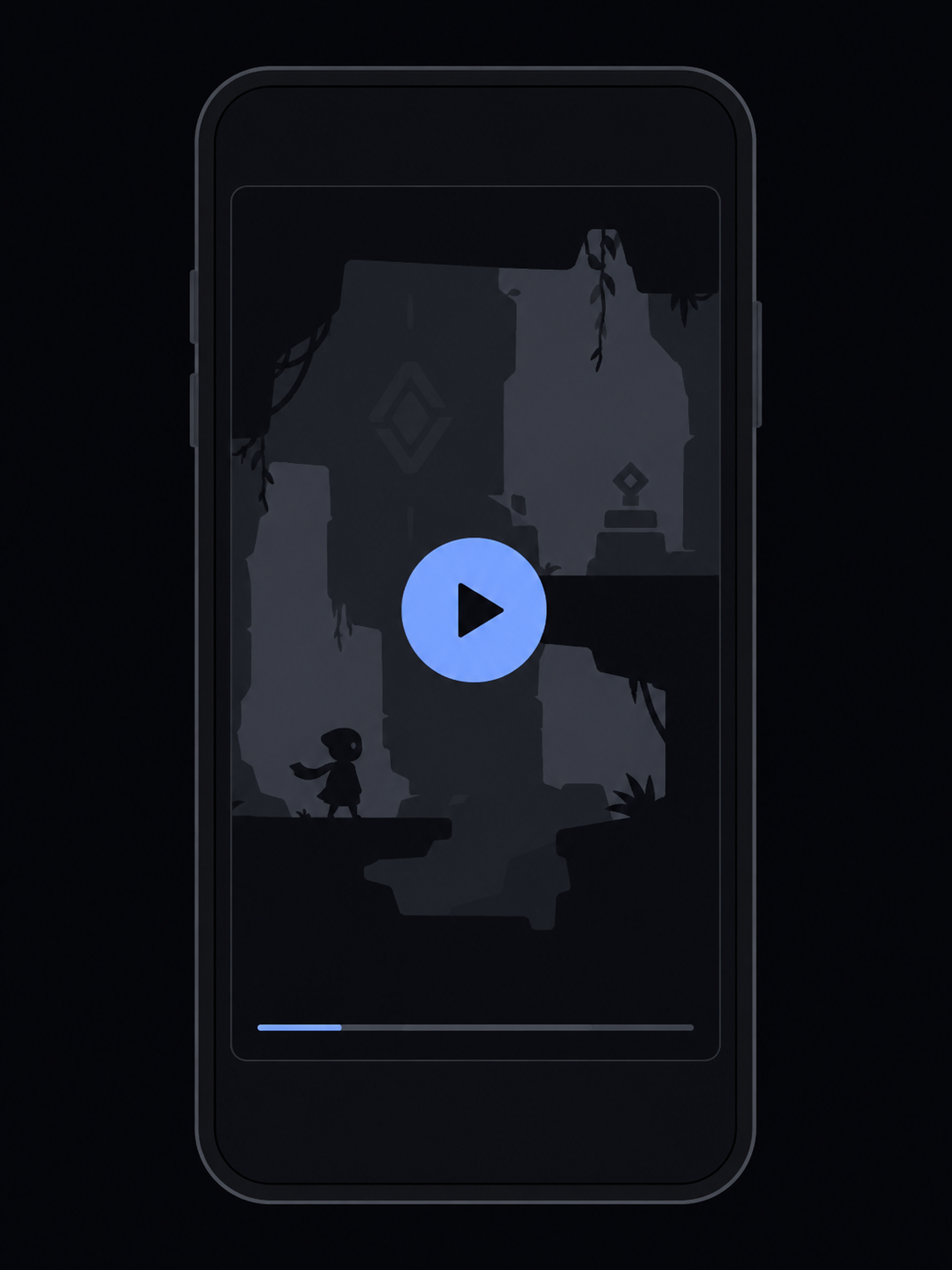
Play a TikTok, Instagram, YouTube, X, or Facebook video.
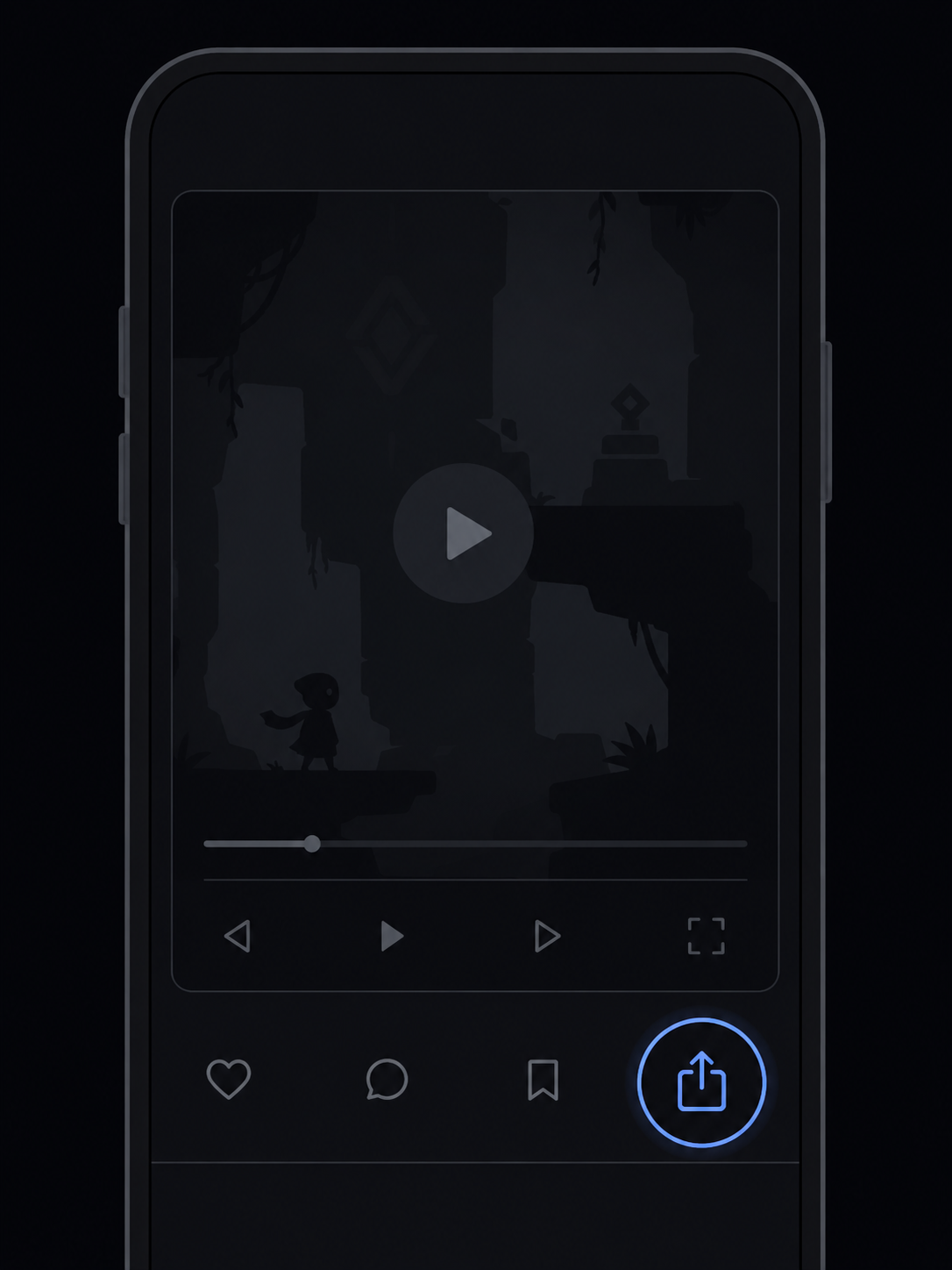
Tap Share on the video.

Tap Gamedrop. It may be under See all.